
This blog will show you how to retrieve the names of all the tables in the selected database into an external file.
To get a list of the tables without login into the Hive shell, use the following command.
hive -e “USE default; SHOW TABLES;” > AllTables.txt
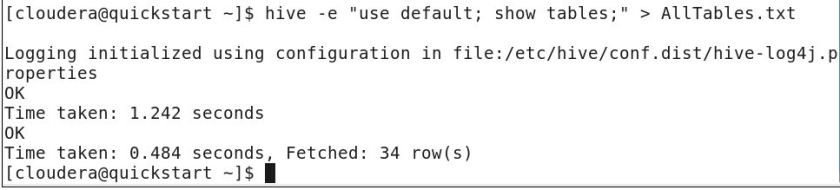

Please keep in mind that if you are practicing with ClouderaVM, the aforementioned file will be generated under /home/cloudera, NOT IN /user/cloudera.
Hope you find this article helpful.
 Big Data & SQL
One comment