
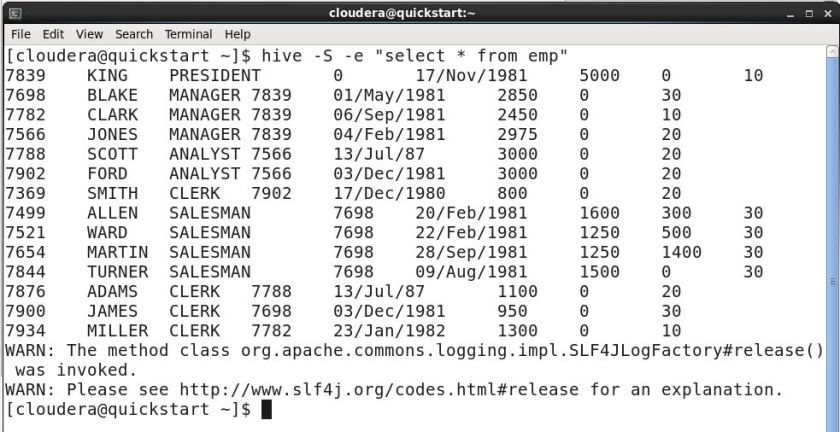
The goal of this tutorial is to show you how to run hive queries in silent mode. It’s used to get data from tables without publishing progress information; in other words, it prevents the logs from being displayed on the terminal. Here’s the syntax and an example.
Syntax:
hive -S -e “YourHiveQuery”
Example:
[cloudera@quickstart ~]$ hive -S -e “select * from emp”
Hope you find this article helpful.
To receive quick updates, just enter your email address and click the “follow” button.
 Big Data & SQL