
The following command helps in copying the files from the S3 bucket to the Jump Server / EC2 instance. The connectivity between EC2 to the S3 bucket must be enabled.
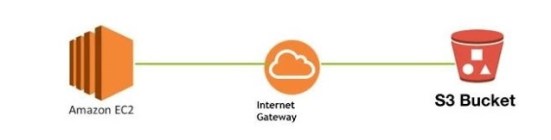
To copy a file from EC2 to S3
Syntax: aws s3 cp source-location destination-location
Example: aws s3 cp s3://yourbucket/backupfolder/backupfile.sql /home/root-user
Before you run the aforementioned commands, take note of the following.
- The bucket and the file need to be present in S3.
- To complete the task, you must possess the necessary authorizations.
- aws must be configured in the EC2 instance and permissions on S3 must be provided.
- The files will be accessible in both EC2 and S3 if you copy them.
If you are looking for copying files from EC2 to S3, please click on the following link.
Copy OR Move files from EC2 to S3 Bucket
 Big Data & SQL